

Presented at Down the Rabbit Hole, Waterdown
AI for Small Business
Thanks for going down the rabbit hole.
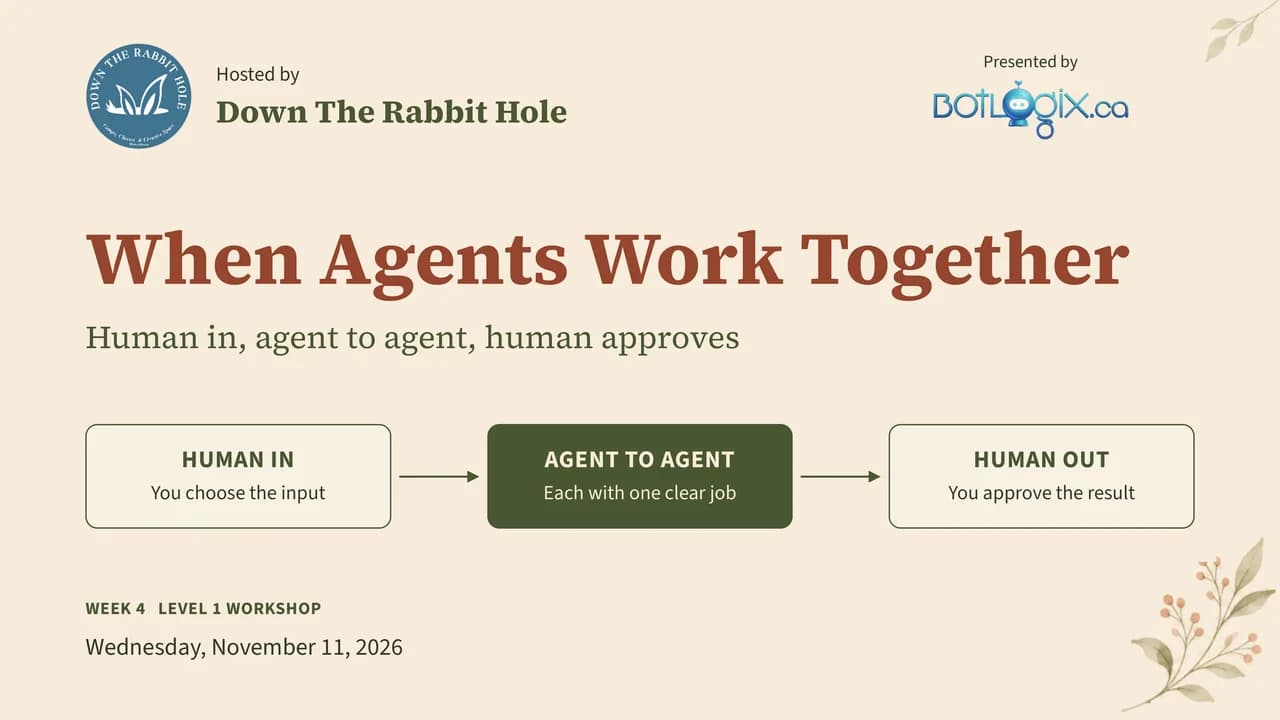
Four sessions: Chat, Tools, Agents and today's When Agents Work Together. You choose what goes in, each agent does one clear job, and nothing goes out until you approve it.
Here are today's slides and four free tools to take back to your business. Nothing to sign up for.
Slides: PDF, 13 pages, 660 kB. Or download all five files (ZIP, 1.4 MB).
Free downloads
Take these back to your business.
Today's slides and four free tools. Print them, share them with your team, and paste the prompts into the AI tool you use with your business account.
Download all five· ZIP, 1.4 MBSlides · 13 pages
The slides
When Agents Work Together: you choose what goes in, two or more agents each do one clear job, and nothing goes out until you approve it. All 13 slides from today, including three demos with the prompts to paste into Claude.
Download PDF· 660 kB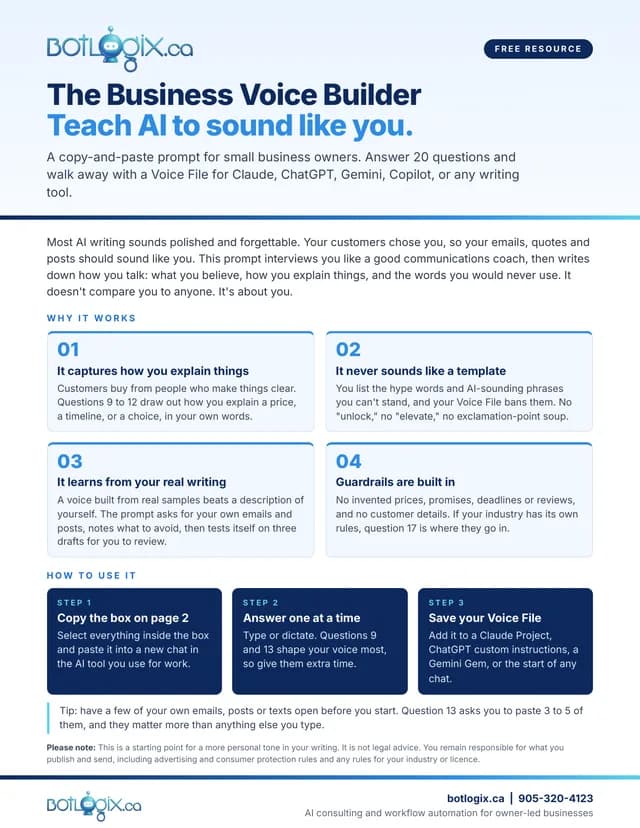
Prompt · 2 pages
The Business Voice Builder
Teach AI to sound like you. Answer 20 questions and walk away with a Voice File for Claude, ChatGPT, Gemini, Copilot or any writing tool.
Download PDF· 172 kB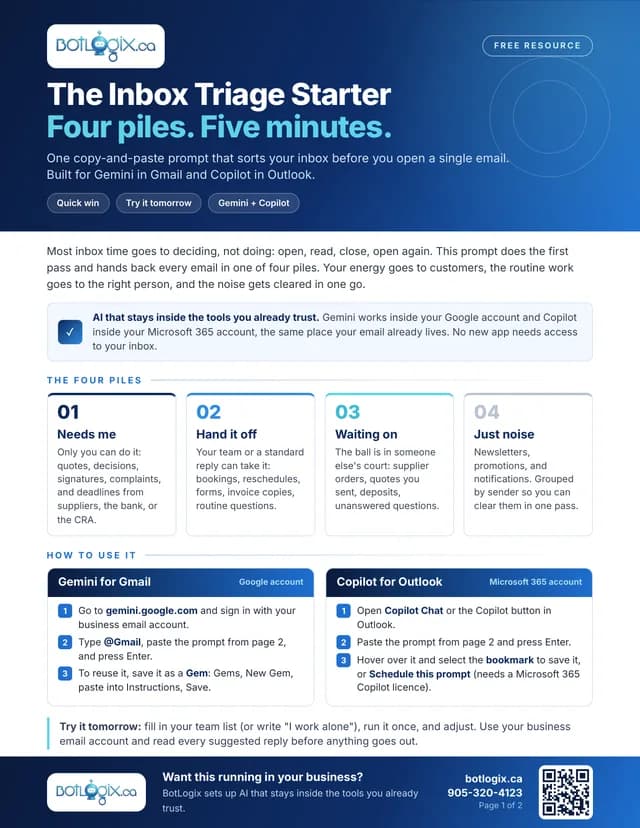
Prompt · 2 pages
The Inbox Triage Starter
Four piles. Five minutes. One copy-and-paste prompt for Gemini in Gmail and Copilot in Outlook that sorts your inbox before you open a single email.
Download PDF· 192 kB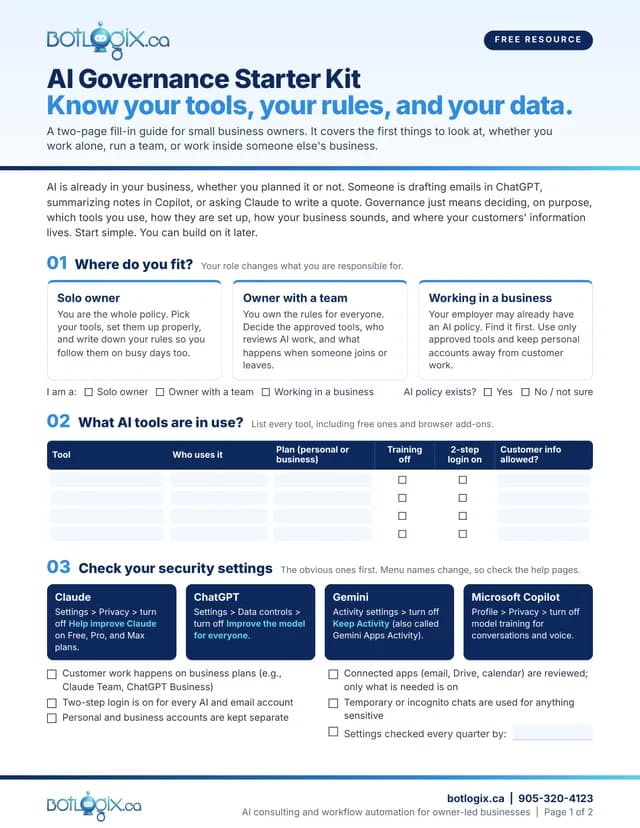
Fill-in guide · 2 pages
AI Governance Starter Kit
Know your tools, your rules and your data. Where you fit, every AI tool in use, the settings to check first, your business persona, and where customer information lives.
Download PDF· 205 kB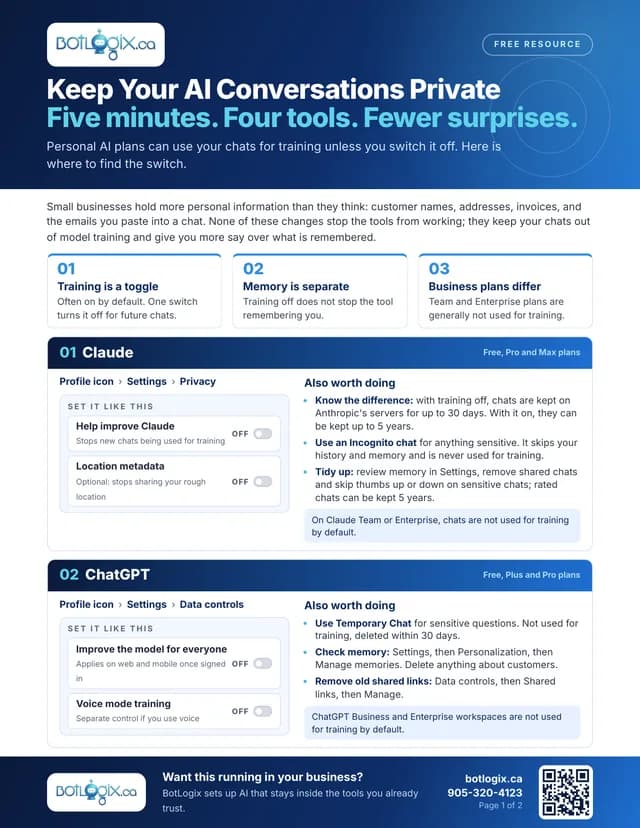
Settings guide · 2 pages
Keep Your AI Conversations Private
Five minutes. Four tools. Fewer surprises. Where to switch off training and check memory in Claude, ChatGPT, Copilot and Gemini. Pair it with the AI Governance Starter Kit.
Download PDF· 350 kBFrom today
10 takeaways worth keeping.
Human in, human out.
You choose what goes in: an email, a spreadsheet, a document or a list. You decide what happens with what comes out. That is the safest way to control what an AI agent does.
Give each agent one clear job.
A short set of rules is easier for an agent to follow and easier for you to fix. Two agents with one job each beat one agent with a long list.
Add a second agent for a second look.
One agent drafts the work. Another checks the draft against the facts you supplied and lists anything those facts do not support.
Make the handoff something you can read.
Ask for each agent's result in its own labelled box, so you see the work in the middle and not only at the end.
The next agent only knows what it is handed.
If the handoff note drops a detail, the next agent never sees it. Read the note before you read the final result.
A maybe stays a maybe.
A tentative date should still be tentative at every step. Tell your agents never to turn it into a promise.
Never let AI invent prices, promises, facts or deadlines.
Tell your agents so in plain words. A person reviews anything that goes to a customer.
AI prepares. You approve.
Keep the Copy button locked until you click approve. Nothing is sent, published or saved for you.
Build one agent at a time.
Get the first agent right on its own, then add the second. When something goes wrong, the labelled boxes show you which agent to fix.
Test it by planting a mistake.
Put an unapproved promise in the first result and see whether the checking agent catches it. Fix one weak instruction, then run the same test again.
General information from the sessions, not legal or privacy advice. Any rules for your industry come first.
Were the sessions useful?
Leave a Google review.
If something from these sessions helped, a few honest words on Google help other business owners find practical, no-hype help with AI. I'd be grateful.

Steffen deGraaf
Founder, BotLogix
Want a second pair of eyes on your first agent workflow? Book a free 30-minute AI Discovery Call and we'll figure out where AI actually fits in your business. No pitch. Book a Discovery Call